
Illustrative engagement
A system for the workflow no SaaS supports.
An illustrative engagement for an operations leader whose business-critical workflow runs on spreadsheets, email approvals, manual reporting and disconnected data.
Illustrative: how we would scope this, not a completed client project.

The situation
Where it breaks today.
Common patterns we plan for, not a description of a specific client.
Approvals over email
Requests are approved in reply-all threads, so nobody can see where one is waiting or who signed it off.
Spreadsheets as the system
Several versions of the same sheet circulate, and the latest is whichever someone saved last.
Reports by hand
Each report is assembled manually, so it is out of date by the time it is shared.
What we’d build first · illustrative
Map the workflow, then build the smallest useful system.
A possible first scope. The real one is agreed with your team after discovery.
A workflow map
The real steps, owners, exceptions and records, agreed with the people who do the work.
One request type, end to end
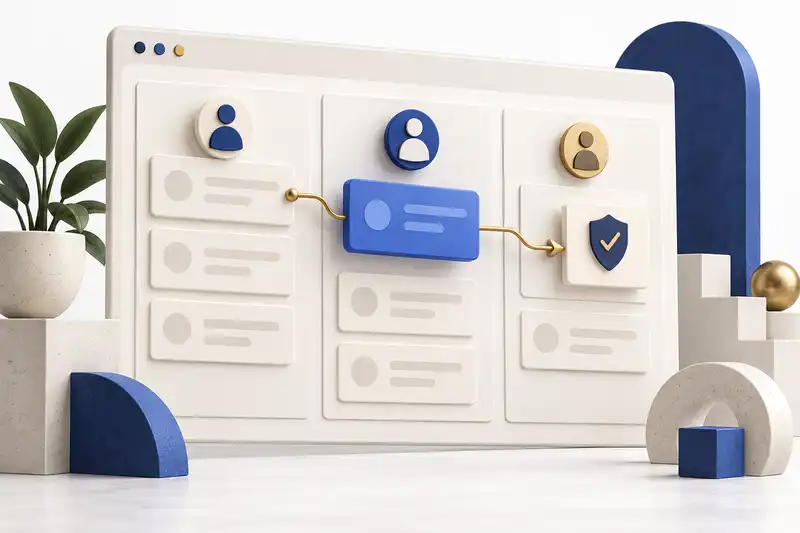
A custom web platform for the most painful workflow, with role-based access and approvals.
Reports from the record
Dashboards drawn from the workflow itself, instead of a separate spreadsheet.
Integrations in a later release
Connections to finance, HR, CRM or ERP once the core workflow is proven.
Decisions we’d make early
Rules as configuration, not code.
The expensive-to-change decisions come first, so later changes stay cheap.
Build around the workflow, not a template
The data model follows how your team actually hands work over.
Trade-offMore discovery up front, but fewer workarounds once people use it daily.
Put approval rules in configuration
Routes by department, value and delegation are data, not code.
Trade-offMore to design at the start, but a policy change doesn’t need a release.
Connect other systems after the first release
Integrations follow once the core workflow is in use.
Trade-offSome re-keying for a while, but each integration is built around a workflow that has settled.
How we’d judge it
A system that reflects how the business actually works and becomes part of daily operations.
Success is defined with your team before development begins.
Correct route
A request follows the correct approval route.
Visible exceptions
Exceptions remain visible to the process owner.
Trustworthy reports
Reports agree with the underlying records.
What stays with you
The system is yours to keep, move or extend.
The custom platform and its source code are yours under the engagement agreement. Hosting (Azure, AWS or private servers managed by Vloud) and monitoring with ErrorLens are optional; we can deploy to your own cloud account instead.
- Service
Web Application Development
Web platforms and portals designed around real users, business workflows, and long-term maintainability.
Explore - Service
Technology Advisory
Architecture reviews, technology selection, and system roadmaps — so the expensive decisions are made before anything is built.
Explore - Hosting control panel
Vloud
A self-hosted control panel for websites, email, DNS, databases, SSL, security and backups, with guided cPanel migration. Public beta.
Explore - AI-assisted debugging and monitoring
ErrorLens
AI-assisted debugging, monitoring and issue visibility, offered as SaaS, to improve system reliability and engineering response.
Explore

Who owns the code?
You do, for the custom work we build for you. It is set out in the engagement agreement. Our own products stay ours.
Is our data ours?
Yes: your data belongs to you.
Will you sign an NDA?
If you need one, yes.
How do we start?
With a free 30-minute discovery call about the workflow, then a short discovery that turns it into an architecture and a phased plan.
How long will it take?
It depends on scope. We confirm scope, timeline and price in a written proposal after discovery.
Where is it hosted?
We can host in-region when data residency matters, or deploy to your own cloud account instead.
Start a conversation
Working through a similar challenge?.
Free 30-minute discovery call. Bring the workflow; we’ll tell you whether it’s a product fit, a custom build or neither, and what a first release could include.