
LuminaEduSync · School timetabling and daily operations software
Bring clarity to the school day.
Connect school setup, timetables, teaching assignments, and daily changes in one operational workflow.For school administrators, timetable coordinators, and teaching teams.
Tell us about your operation and we’ll get in touch to show you a live demo in a meeting.
- Offered as SaaS
- Built and run by Digital Cubic
- Your data belongs to you
Industry Platforms
From timetable draft to today’s substitutions.
A timetable is only the beginning. Absences, room changes, and teacher requests reshape the day. LuminaEduSync brings planning and daily operations into the same conversation.
School setup
Organise the academic year, master data, and teaching assignments that planning relies on.
Timetable planning
Work through timetable generation, draft review, and publishing.
Daily operations
Follow absences, substitutions, room changes, and overrides.
Room bookings
Coordinate room requests alongside the school’s timetable.
Teacher workflows
Bring teacher requests and relevant operational information into view.
Readiness & oversight
Review setup completeness, conflicts, and operational work that needs attention.
Explore the workflow
From the timetable to the day as it happens.
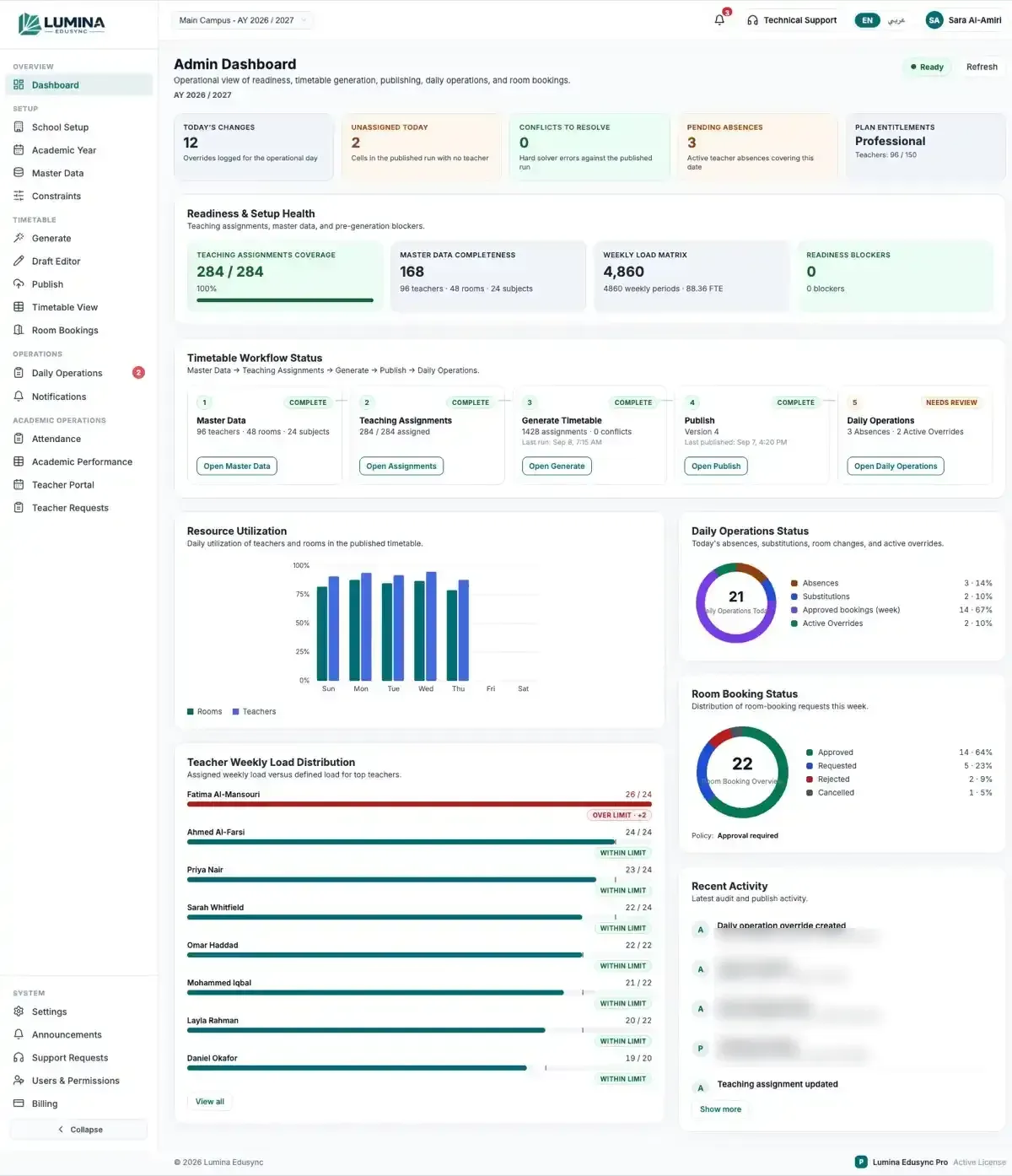
Explore a conceptual school-operations workflow. Planning establishes the timetable; daily coordination keeps changes visible to the people affected.
Start with a ready foundation.
Review school setup and teaching assignments before working on a timetable.
Planning depends on complete source information and clear constraints.
- Planning area
- Master data
- Responsibility
- Administration
- Next action
- Review setup
- Planning area
- Teaching assignments
- Responsibility
- Coordinator
- Next action
- Confirm allocation
- Planning area
- Timetable draft
- Responsibility
- Timetable team
- Next action
- Review conflicts
Illustrative records and interactions — this is not a live product session.
Connected school planning
School setup and assignments inform the timetable workflow.
Visible daily changes
Absences, requests, and room changes have a shared operational context.
Clear responsibilities
Administrators and teaching teams can follow their part of the work.
A focused product discussion
Review your school’s requirements against the current modules and configuration.
A connected sequence
From school setup to the day as it happens.
How the work moves between people and records in LuminaEduSync. Your roles, configuration and requirements are reviewed in a product discussion.
Set up
Organise the school, academic year, and source information.
Assign
Review teaching assignments and constraints.
Plan
Generate and review a timetable draft.
Publish
Establish the version used for school operations.
Coordinate
Follow the daily changes around that timetable.
Before we get started
Questions about LuminaEduSync.
Explore the wider stack
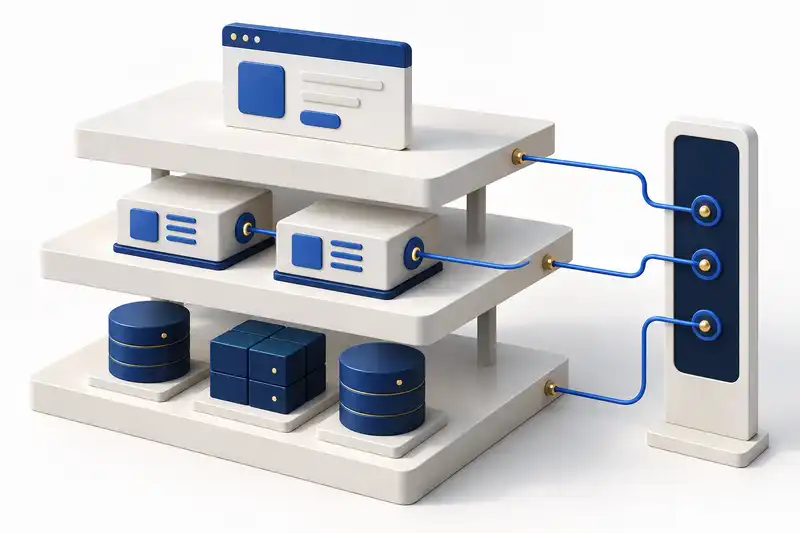
Hosting, support and training for your school.
The services that sit around the product, from hosting to helping your team use it.

What does LuminaEduSync focus on?
School operations: setup, teaching assignments, timetable generation and publishing, room bookings, and daily changes such as absences and substitutions.
Is it a replacement for our learning or student information system?
Not necessarily. LuminaEduSync focuses on school operations and timetabling. We first map which systems own learning content, student records and school operations, then discuss any overlap or integration.
Can it work with our school’s scheduling rules?
We review teaching assignments, rooms, constraints, and approval responsibilities against the current product. The fit and any additional requirements are confirmed before rollout.
Can we see LuminaEduSync working?
Yes. Tell us about your operation and we’ll get in touch to show you a live demo of LuminaEduSync in a meeting.
How much does LuminaEduSync cost?
There’s no public price list. We price to your scope and confirm it, with the timeline, in a written proposal after a free 30-minute discovery call.
How long does it take to get started?
It depends on the project. Implementation follows your workflows and requirements: we map how your company works, configure the platform, migrate your data and train your team. The timeline is confirmed in the written proposal.
Who owns our data?
You do. Your data belongs to you.
What happens after go-live?
Your account manager remains your point of contact, and the support arrangement is agreed with you and set out in the written proposal.
Who will we work with?
An account manager, plus the engineers on your project. We work in Arabic and English, and we sign an NDA if you need one.
Start with your requirements
See LuminaEduSync in a live demo.
Tell us about your operation and we’ll get in touch to show you a live demo in a meeting.